

Deltek Costpoint ERP Solution

As a government contractor, complying with complex regulations is challenging enough. Trying to manage projects throughout their life cycles, submit accurate reports, ace audits, and gain the visibility you need with segregated systems, manual processes and data silos only adds to the struggle. Deltek Costpoint is a viable solution to help ease some of the common pain points of working with the federal government.
As a full-featured ERP system, Costpoint contains numerous modules, settings and screens for your company to leverage. Unlocking the software’s full potential takes more than simply adopting it. You need a knowledgeable, expert partner to make it truly work for your organization.
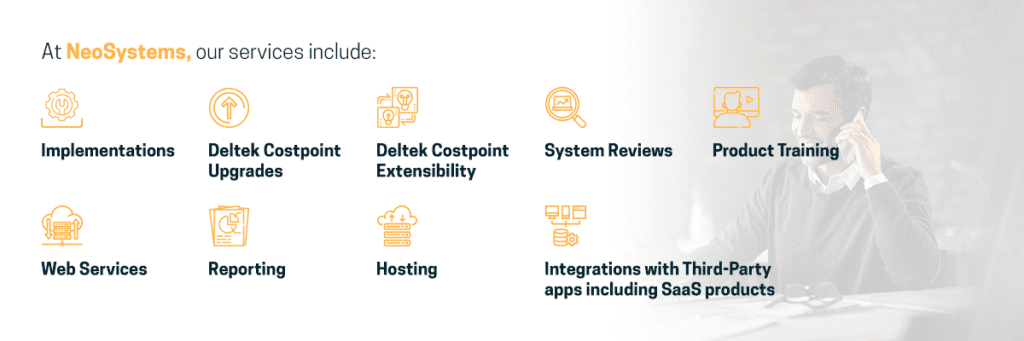
NeoSystems provides comprehensive Costpoint support, consulting and integration services that go beyond mere implementation. We optimize Costpoint to enhance your business processes, compliance and overall efficiency, creating a tailored solution precisely configured for your organization and its demands.
Deltek Costpoint: Purpose-Built Accounting Functionality
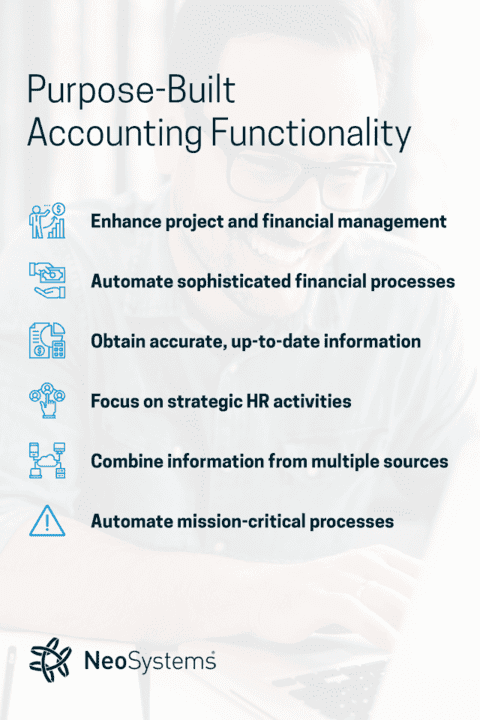
Costpoint is a leading enterprise management software solution designed specifically for project-based businesses. Deltek Costpoint software empowers businesses to run more efficiently and profitably by enabling teams to track, identify and manage projects — the gold standard for government contractors as an accounting and reporting system that makes regulatory compliance easy and audits quick and efficient. Leverage Costpoint and NeoSystems’ expertise in making it work for your firm to:
- Enhance project and financial management to drive profitability.
- Automate sophisticated financial processes to shorten billing cycles and get paid faster.
- Obtain accurate, up-to-date information to enhance decision-making and improve forecasting and budgeting.
- Focus on strategic HR activities by automating and streamlining time-consuming, error-prone, recurring manual processes.
- Consolidate all project and organizational information from multiple sources into one reporting platform.
- Transform your data into a visual dashboard to easily monitor business performance.
Deltek Costpoint Key Features
Deltek has invested over 40 years into designing and improving Costpoint to help streamline workflows and centralize information into one powerful platform. Modules available within the program include the following:
- Project accounting
- Time and expense
- Resource planning and budgeting
- Business Intelligence (BI) dashboards
- Customer Relationship Management (CRM) and contract management
- Human capital management (HCM)
- Procurement and supply chain management
- Manufacturing
- Subcontractor management
These modules provide the functionality needed to:
- Comply with industry standards: Costpoint is a compliant accounting platform that supports your efforts to achieve and maintain essential industry frameworks like Defense Contract Audit Agency compliance and Cybersecurity Maturity Model Certification.
- Manage cash flow efficiently: Invoice faster and stay compliant with simplified tools to help improve working capital by reducing Days Sales Outstanding (DSO).
- Support data-driven decisions: With centralized information and ad hoc reporting, you have the visibility and insights you need for better strategic planning, resource allocation and decision-making.
Deltek Costpoint 8.2: The Latest Evolution
Deltek recently revolutionized the platform with its new 8.2 version, and NeoSystems is ready to demystify the complexity and help you upgrade to take advantage of the improvements. This release:
- Boosts efficiency with automation: An upgrade to the time entry experience includes automated email reminders to assist government contractors with optimizing timekeeping tasks. Project accounting, source to pay, and capture and contract management also received additional automation features.
- Enhances the user experience: Deltek Costpoint 8.2 introduced simplified navigation for more user-friendliness and added the capability to tailor the welcome screen to your organization’s users.
- Leverages advanced technology: Costpoint 8.2 uses intelligent character recognition and artificial intelligence to support smarter work and better decision-making.
- Supports small and midsize government contractors: A specialized version designed specifically for SMBs is now available with Costpoint 8.2, enabling organizations of all sizes to benefit from a compliant enterprise resource planning (ERP) solution.